How to Create a WordPress Website Step by Step (2025 Complete Guide) + Free eBook
πŸ“˜ WordPress Tutorial

How to Create a WordPress Website Step by Step in 2025

⏱️ 12 min readπŸ“… Updated: May 2025✍️ By Rahul KumarπŸ‘οΈ 42,800+ readers

No coding? No problem. This complete guide takes you from domain name to live website. Plus, grab your free eBook to fast-track success!

βœ… No Coding RequiredπŸ’° Starts Free⚑ Live in Under 2 Hours
RK
Rahul Kumar
WordPress Developer Β· 10+ years
⭐ Experience🎯 ExpertiseπŸ“’ Authority🀝 Trust
πŸ“˜βœ¨

Get your FREE WordPress eBook bundle! Includes checklists, theme recommendations & monetization secrets

πŸ“₯ Download Free PDF β†’
πŸ“‘ What You'll Learn
1 What is WordPress?
2 Choose a domain name
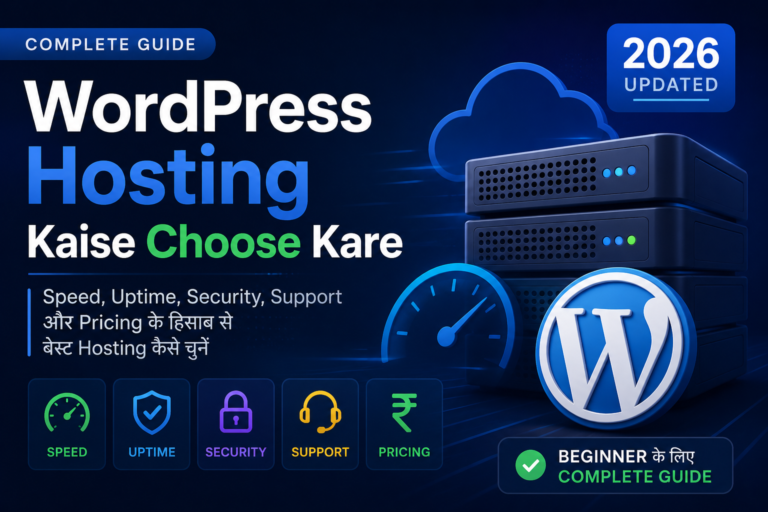
3 Get web hosting
4 Install WordPress
5 Theme & plugins
6 Content + SEO
1
Step 1

What is WordPress and why use it?

WordPress powers 43% of all websites. It's free, open-source, and perfect for beginners. With thousands of themes and plugins, you can build any website without coding.

πŸ†“
100% Free
Software is free, only pay for hosting.
🎨
10k+ Themes
Amazing designs ready.
πŸ”Œ
60k Plugins
Add any feature easily.
2
Step 2

Choose a Domain Name

Your domain is your address on the web. Pick something short, memorable, and relevant. Avoid hyphens and numbers. Use .com or .in for Indian audience.

πŸ’‘
Pro tip: Many hosting providers offer a free domain for the first year.
3
Step 3

Get Web Hosting

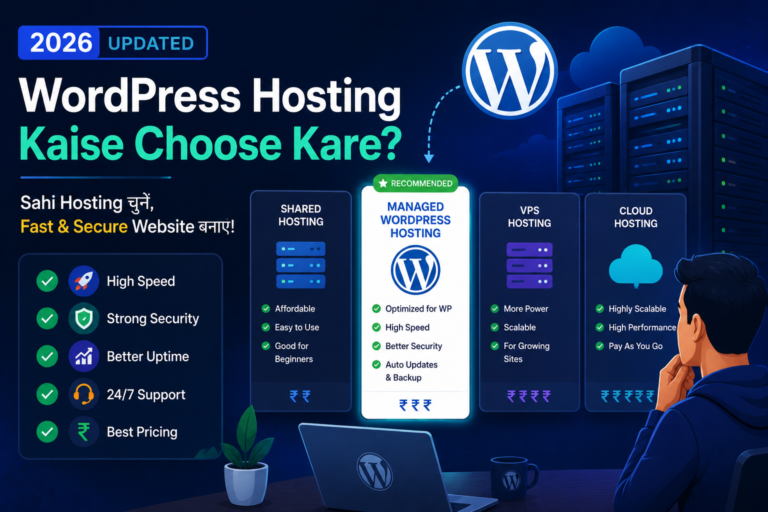
Shared hosting starts at just β‚Ή99/month. For beginners, Hostinger, Bluehost, or SiteGround are excellent choices. Reliable hosting ensures speed and uptime.

βœ… Hostinger - β‚Ή99/mo
βœ… Bluehost - β‚Ή199/mo
βœ… SiteGround - Premium
4
Step 4

Install WordPress (1-click)

1
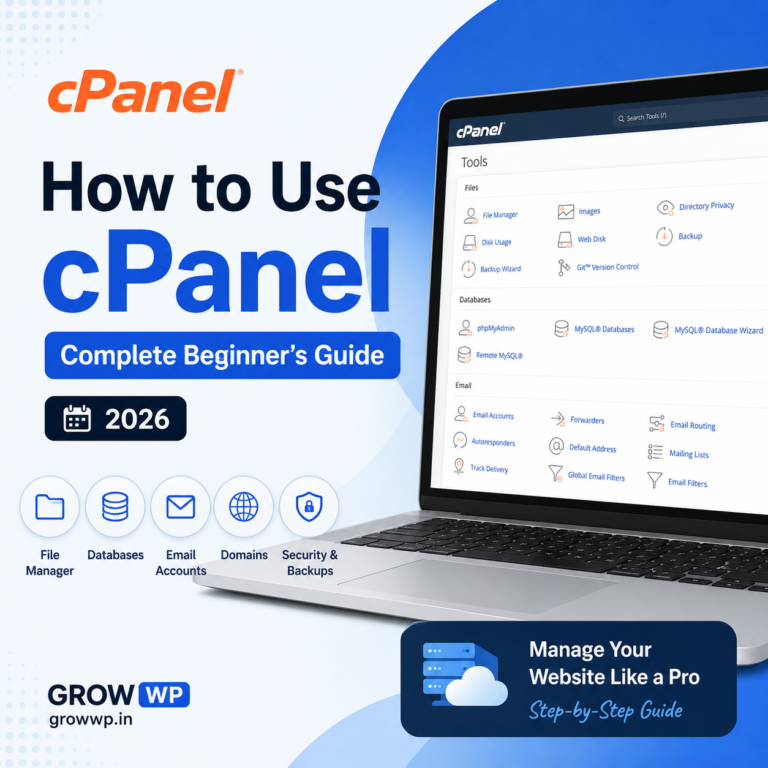
Log into cPanel β†’ find "WordPress Installer".
2
Fill site name, admin username & password, then click install.
3
Visit yourdomain.com/wp-admin β†’ you're ready!
5
Step 5

Theme & Essential Plugins

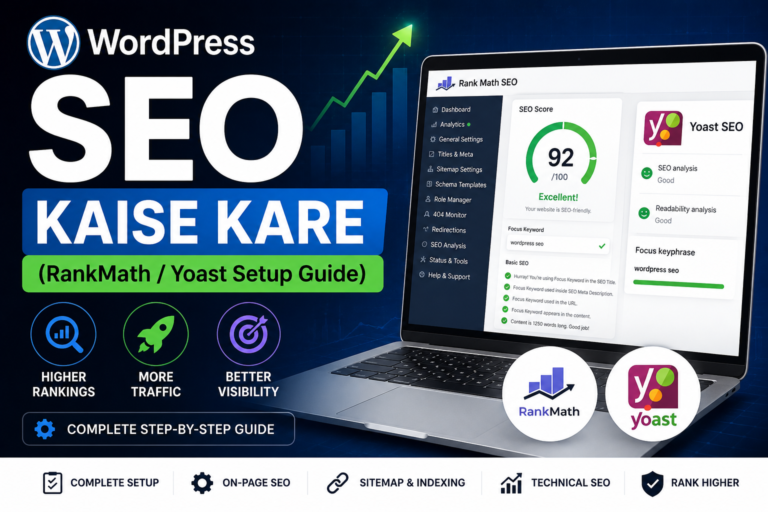
Install a lightweight theme like Astra or Kadence. Then add must-have free plugins: Rank Math SEO, LiteSpeed Cache, Wordfence Security, and UpdraftPlus for backups.

PluginPurposeFree
Rank Math SEOSEO optimizationβœ“
WPForms LiteContact formsβœ“
LiteSpeed CacheSpeed boostβœ“
6
Step 6

Content & SEO Setup

Create essential pages: Home, About, Contact, Privacy Policy. Then write your first blog post. Set permalinks to "Post Name" under Settings β†’ Permalinks. Use Rank Math to submit sitemap to Google.

🎯
Pro tip: Publish 10+ quality articles before applying for AdSense for best results.
Frequently Asked Questions
RK
Rahul Kumar
10+ years WordPress expert, built 200+ websites. Trusted by readers across India.
βœ… Author of WordPress eBook & free guide
START TODAY

Ready to Build Your Website?

Follow this guide step by step, and within a week you'll have a live, professional WordPress site. The hardest part is taking the first step.