Reading Time: ~8 minutes
Level: Absolute Beginner
If you have ever thought about starting a blog, building a website, or even opening an online store — you have probably heard the word WordPress somewhere. Maybe a friend mentioned it, or you came across it while searching online. But what exactly is it? And how does it actually work?
Don't worry. By the end of this article, you will understand WordPress completely — even if you have never built a website before.
What is WordPress?
WordPress is a free tool that lets you create websites and blogs — without knowing how to code.
Think of it like this: building a website from scratch is like constructing a house brick by brick. WordPress is like using a ready-made home kit — the foundation, walls, and roof are already there. You just arrange, decorate, and customize it the way you want.
It was first launched in 2003 by Matt Mullenweg and Mike Little. Back then, it was only a simple blogging platform. Today, it has grown into the world's most popular website-building tool. In fact, over 43% of all websites on the internet are built using WordPress. That includes small personal blogs, news websites, online shops, and even websites of big companies.
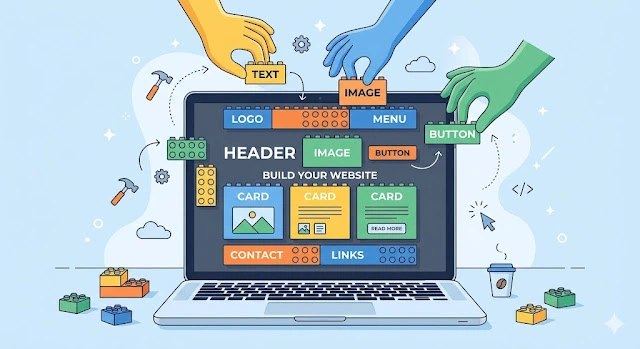
Figure 1: WordPress powers over 43% of all websites on the internet — making it the most popular content management system in the world.
WordPress.com vs WordPress.org — What's the Difference?
This is one thing that confuses almost every beginner. There are actually two versions of WordPress:
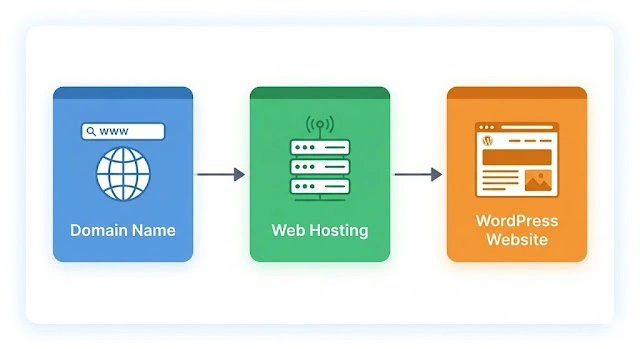
Figure 2: Understanding the key differences between WordPress.com (hosted) and WordPress.org (self-hosted) is crucial for choosing the right platform.
For most serious bloggers and business owners, WordPress.org is the better choice because it gives you complete freedom.
In this article, when we say "WordPress," we mostly mean WordPress.org.
| Feature | WordPress.com | WordPress.org |
|---|---|---|
| Cost | Free plans available (paid plans for more features) | Free software (pay for hosting ~₹99/month) |
| Hosting | Included (managed by WordPress) | You choose your own hosting provider |
| Customization | Limited (especially on free plan) | Full control — install any theme or plugin |
| Monetization | Limited unless you pay for premium plans | Full freedom — AdSense, affiliate marketing, etc. |
| Best For | Casual bloggers, beginners who don't want technical hassle | Serious bloggers, businesses, professionals |
How Does WordPress Work? (Step by Step)
Here is a simple breakdown of how WordPress works from start to finish.
Step 1 — You Need a Domain Name and Web Hosting
Before you can use WordPress, you need two things:
- A domain name — this is your website's address, like
www.yoursite.com - Web hosting — this is like renting space on the internet where your website's files will live
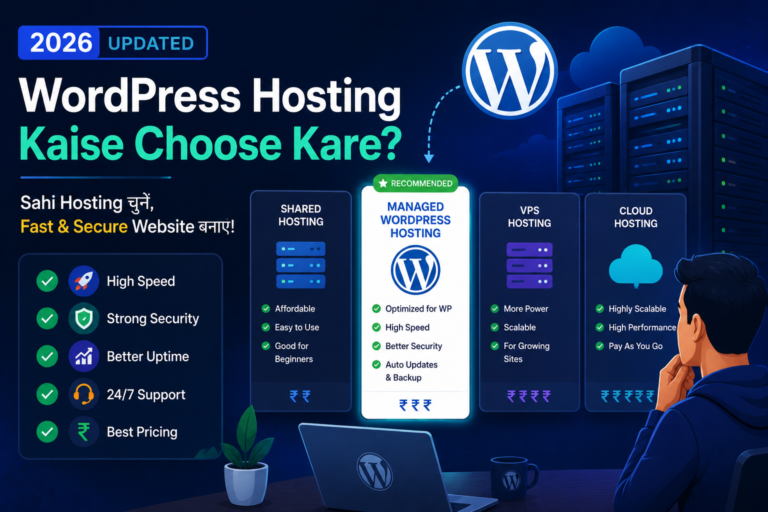
You can buy both from companies like Bluehost, Hostinger, or SiteGround. Many of them offer a free domain when you buy hosting.
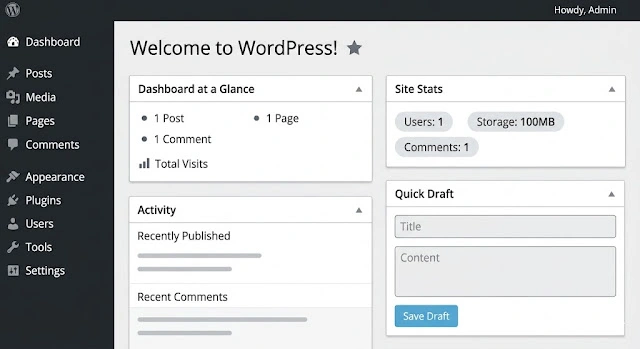
Figure 3: Choosing the right domain name and web hosting provider is the first step to building your WordPress website.
Step 2 — Install WordPress
Once you have hosting, you need to install WordPress on it. This sounds technical, but most hosting companies make it very easy. They have a feature called one-click install — you just click a button and WordPress is installed in less than 2 minutes.
No coding needed at all.
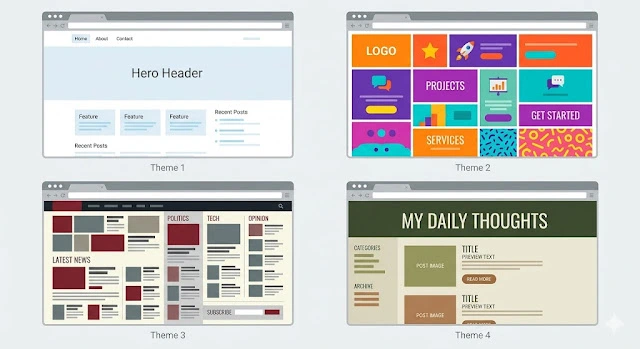
Figure 4: Most hosting providers offer one-click WordPress installation — you can have WordPress installed in under 2 minutes with no technical skills required.
Step 3 — Log In to Your Dashboard
After installation, you can log into your WordPress Dashboard. This is the control panel of your website. From here, you can do everything:
- Write and publish blog posts
- Add new pages (like About, Contact)
- Change the look of your website
- Add new features and tools
The dashboard is very simple and easy to navigate. On the left side, you will see a menu with all the options you need.
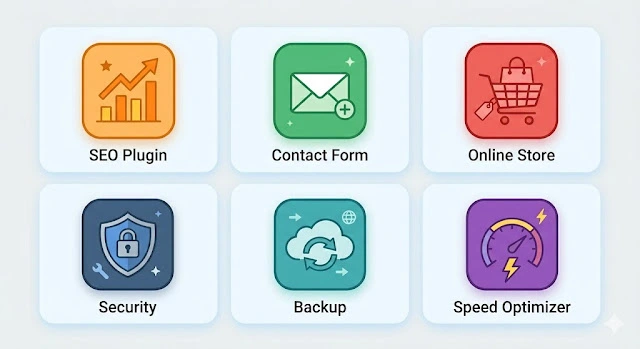
Figure 5: The WordPress Dashboard is your website's control panel — everything you need to manage your site is accessible from the left sidebar menu.
Step 4 — Choose a Theme (Design)
A theme controls how your website looks — the colors, fonts, layout, and overall style.
WordPress has thousands of free and paid themes. You can install a theme in just a few clicks. If you want a blog that looks like a magazine, there is a theme for that. If you want something minimal and clean, there is a theme for that too.
Some popular free themes include Astra, OceanWP, and Kadence. You can also use page builders like Elementor to design pages visually by dragging and dropping elements — no coding required.
Step 5 — Install Plugins (Extra Features)
Plugins are like apps on your phone. They add extra features to your WordPress website.
Want your website to rank on Google? Install an SEO plugin like Yoast SEO or RankMath.
Want to sell products? Install WooCommerce.
Want a contact form? Install WPForms or Contact Form 7.
There are over 60,000 free plugins available in the WordPress Plugin Library. You can install most of them with a single click.
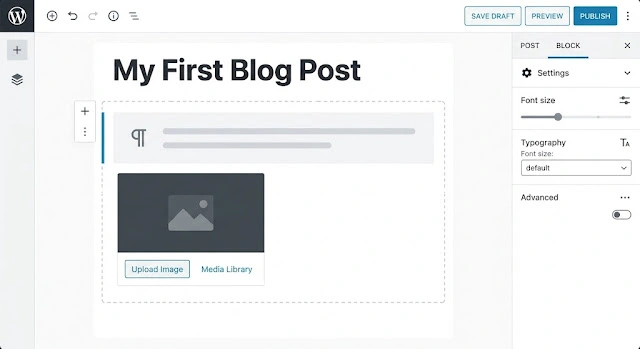
Figure 6: Essential WordPress plugins every beginner should install — SEO, security, caching, forms, and backup plugins are must-haves.
| Plugin | Purpose | Free |
|---|---|---|
| Rank Math | SEO optimization | ✓ |
| WPForms Lite | Contact forms | ✓ |
| LiteSpeed Cache | Speed & performance | ✓ |
| Wordfence Security | Security & firewall | ✓ |
| UpdraftPlus | Backups | ✓ |
Step 6 — Create Content (Posts and Pages)
Now comes the fun part — creating content.
In WordPress, there are two main types of content:
- Posts — these are blog articles. They are listed in chronological order (newest first) and are perfect for blogs, news updates, and tutorials.
- Pages — these are static pieces of content like your Homepage, About page, or Contact page. They do not have dates attached.
To write a blog post, you click on Posts → Add New. WordPress will open a simple editor called the Block Editor (also known as Gutenberg). You type your content, add images, and click Publish. That's it.
Step 7 — Your Website is Live
Once you publish your content, your website is live on the internet. Anyone in the world can visit your domain and read your content.
You can now keep growing your website by:
- Writing more blog posts regularly
- Improving your website speed and SEO
- Building an email list
- Adding more pages and features
Why Do So Many People Use WordPress?
There are many website builders out there — Wix, Squarespace, Weebly — but WordPress remains the most popular. Here is why:
Is WordPress Difficult to Use?
Honestly — not at all. If you can use Facebook or send an email, you can use WordPress.
The initial setup takes a little time (maybe an hour or two on the first day), but once it is set up, writing and publishing content is as easy as typing in Microsoft Word.
Thousands of people who are not techies at all — teachers, doctors, homemakers, students — run successful WordPress websites every day.
Quick Recap — How WordPress Works
Let's put it all together in a simple summary:
That's the whole process. Simple, right?
Final Thoughts
WordPress is one of the most powerful tools on the internet — and the best part is that it is accessible to everyone, not just developers and tech experts.
Whether you want to start a personal blog, promote your small business, build a portfolio, or even launch an online store — WordPress is a great place to start.
The learning curve is small, the resources are endless, and the community is incredibly helpful. Once you start, you will wonder why you waited so long.
Ready to Start Your WordPress Journey?
Now that you understand what WordPress is and how it works, the next step is to take action. Get your domain and hosting, install WordPress, and start building your dream website today. The hardest part is taking the first step.